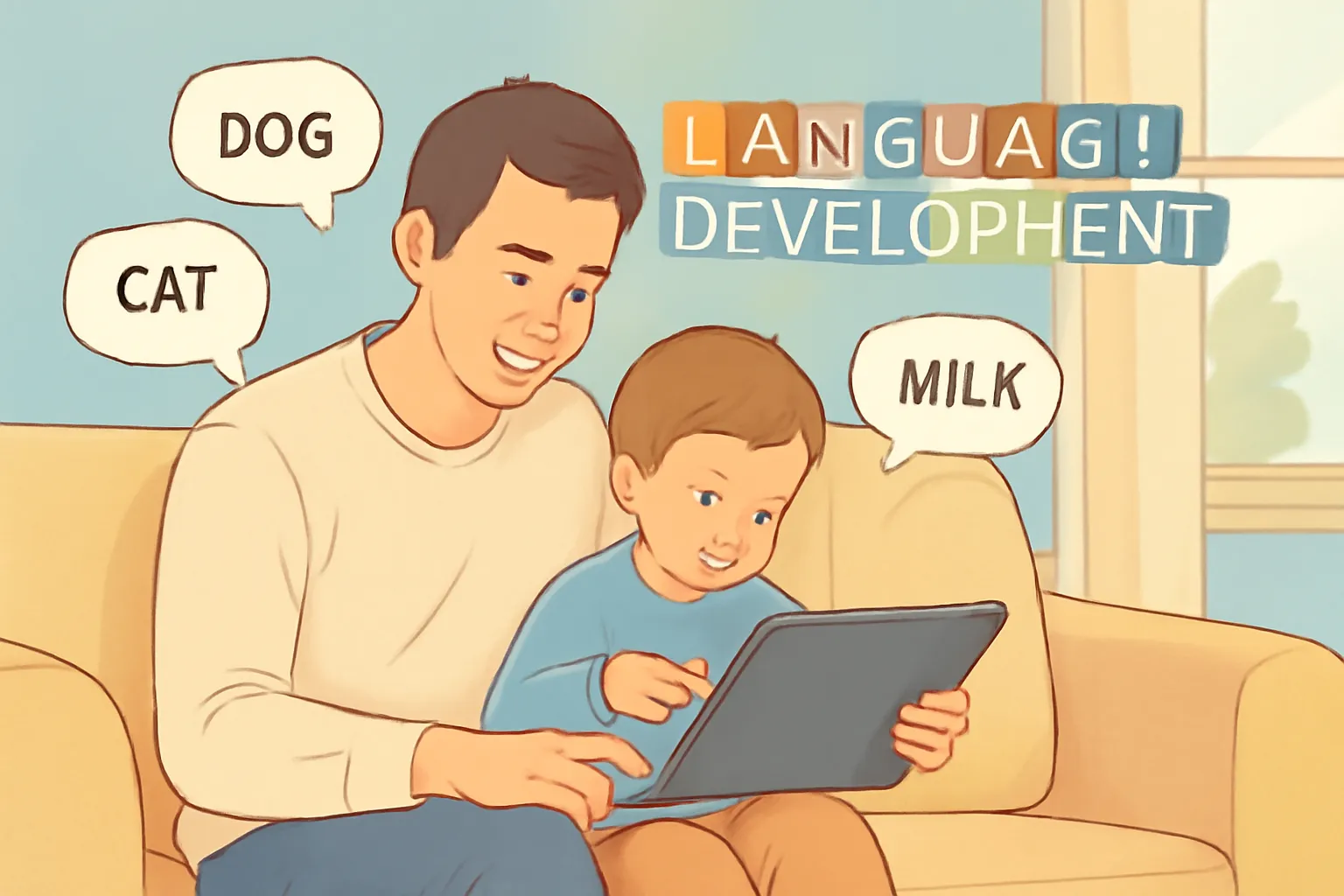
Have you ever watched your child say a new word and felt that little spark of pride? Moments like that remind us how fast children learn. And right after that pride, it’s common to wonder about screen time. Could it be helping or getting in the way?
Technology can actually support language development when used the right way with your child.
Our team at Smarty Ears has spent over a decade creating speech therapy apps and working with families just like yours. We’ve seen what genuinely supports language development and what doesn’t live up to the hype (most “educational” apps don’t, by the way).
This guide covers the practical strategies:
- Apps That Actually Teach New Words
- Screen Time Habits That Support Language Skills
- Simple Ways to Turn Everyday Routines Into Language Practice
Ready to make screen time work for your child? Let’s get started.
Apps That Actually Teach New Words
The right apps create small moments for your child to try new words, repeat sounds, and express ideas naturally. The catch? They need to get your child talking, not just staring.
One of the easiest places to begin is with interactive storytelling apps.
Interactive Storytelling Apps for Your Child’s Speech
Think of a patient adult reading aloud. They pause, give your child a moment to think, and make space for a reply.
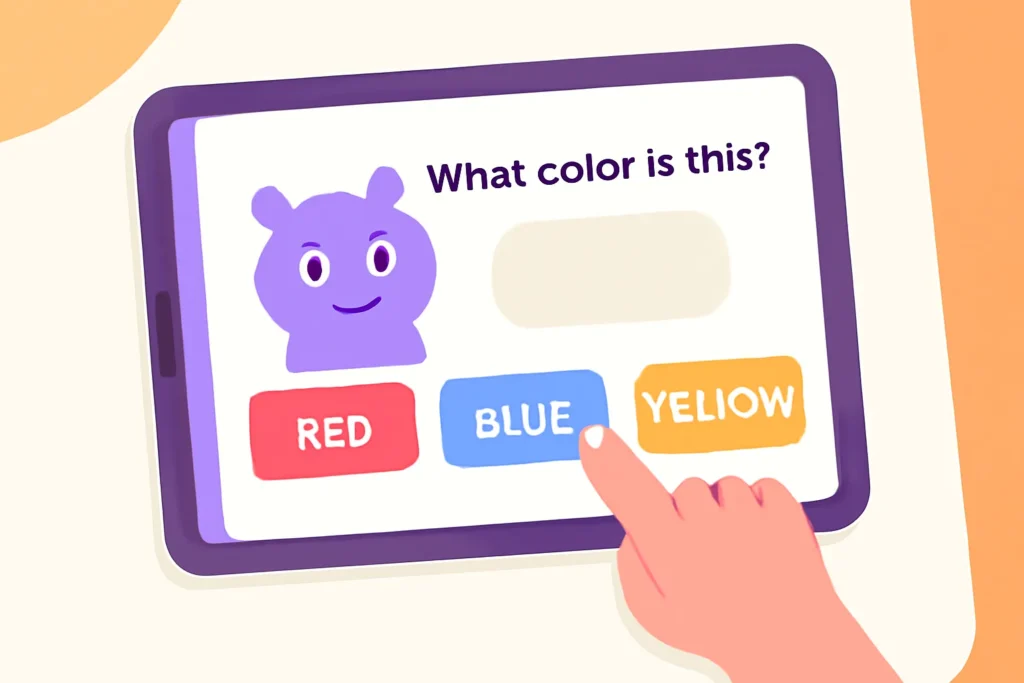
Storytelling apps like Epic! and Speakaboos work the same way. Epic! lets you highlight words as you read together, which helps your child connect the sound to the text. Speakaboos takes it further by asking simple questions mid-story, like “What color is the bear?” Your child has to answer before the story continues.
This quiet pause helps your child form short sentences or try a few sounds. It also mirrors the kind of turn-taking they experience in normal conversations (you know, the “what’s that?” game you play 47 times a day).
Over time, this simple back-and-forth supports oral language in a way fast-paced cartoons never manage.
Speech Recognition Tools for Practising Sounds
Ever watched your toddler light up when they nail a tricky sound? That’s what speech recognition tools do.
Tools like Speech Blubs model the word first, then react when your child repeats it. That clear structure helps them understand the goal without feeling pressured. Parents often notice steady growth after a few days because their child starts to hear the difference between their attempts and the target sound.
The 3-Question Co-Viewing Method
Did you know that short moments of engagement during a show help children understand and remember new ideas? In fact, a study published in PLOS ONE found that preschoolers who had more parent-child conversations during shared TV time showed higher curiosity levels by kindergarten.
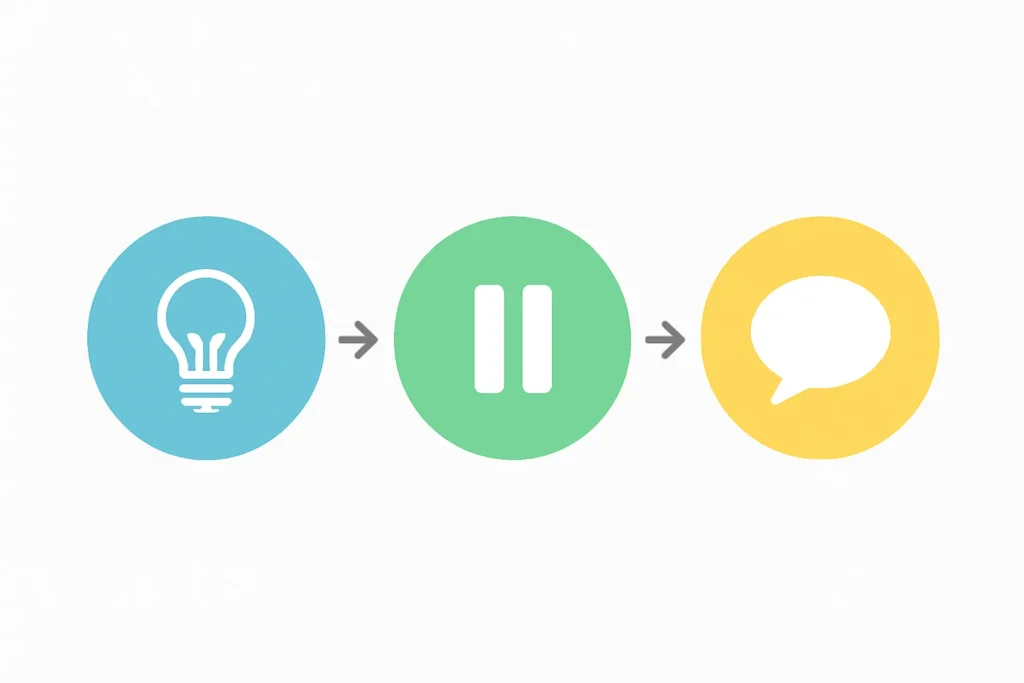
So make sure to talk with your child while watching. Ask them questions before, during, and after the show, like this:
Before Watching: Ask a Prediction Question
Before starting a show, ask your kid a question. Even something like “What do you think will happen?” nudges your child to think ahead and form a short sentence, even if it’s just a guess. This warm-up helps you see how your child is following the setup, which makes the next question flow naturally.
During the Show: Pause and Highlight a Moment
Stop the show briefly and point to a single action or feeling. For example, “Why did that character look worried?”
This approach keeps your child involved and encourages them to express ideas in their own words. It also creates a simple back-and-forth, which is where most learning happens (not during the explosions or songs, surprisingly).
After Watching: Guide Them to Retell One Part
Once the story ends, a quick recap ties everything together.
Asking your child what the character did or said strengthens vocabulary and turns passive watching into language practice. Many children enjoy this part because they get to lead the conversation and show what they understand.
What To Look For In Educational Apps
Educational apps that support language development pause for responses, talk directly to your child, and reward speaking. The thing here is that most apps just want to keep kids quiet so parents can cook dinner (no judgment, we’ve all been there).
To separate the effective apps from the digital babysitters, use this quick checklist.
Look for These Three Things
- The App Pauses for Your Child to Respond: This gives them space to think, speak, and try new words at their own pace. If the app races ahead without waiting, your child never gets that important moment to practice.
- Characters Talk Directly to Your Child: When an app asks simple questions, it supports early sentences and small attempts to communicate. This is different from a show where characters talk to each other while your child watches passively.
- Speaking Gets Rewarded: Praise or gentle encouragement helps children learn spoken words correctly and try again with confidence.
Red Flags to Avoid
- Auto-Play Is a Warning Sign: If the app jumps into the next video immediately, your child never gets time to respond.
- Apps Made to Keep Kids Quiet: They focus on holding attention rather than building language skills. You can usually tell within 30 seconds which type you’re dealing with.
- Vague “Educational” Claims Without Proof: Many apps look exciting at first but offer very little real interaction. If the description uses words like “engaging” and “fun” but never mentions how children actually learn from it, that’s your clue.
You don’t need to audit every app right now. Just keep this checklist in mind the next time you’re browsing the app store or noticing what holds your child’s attention.
Screen time guidelines by age
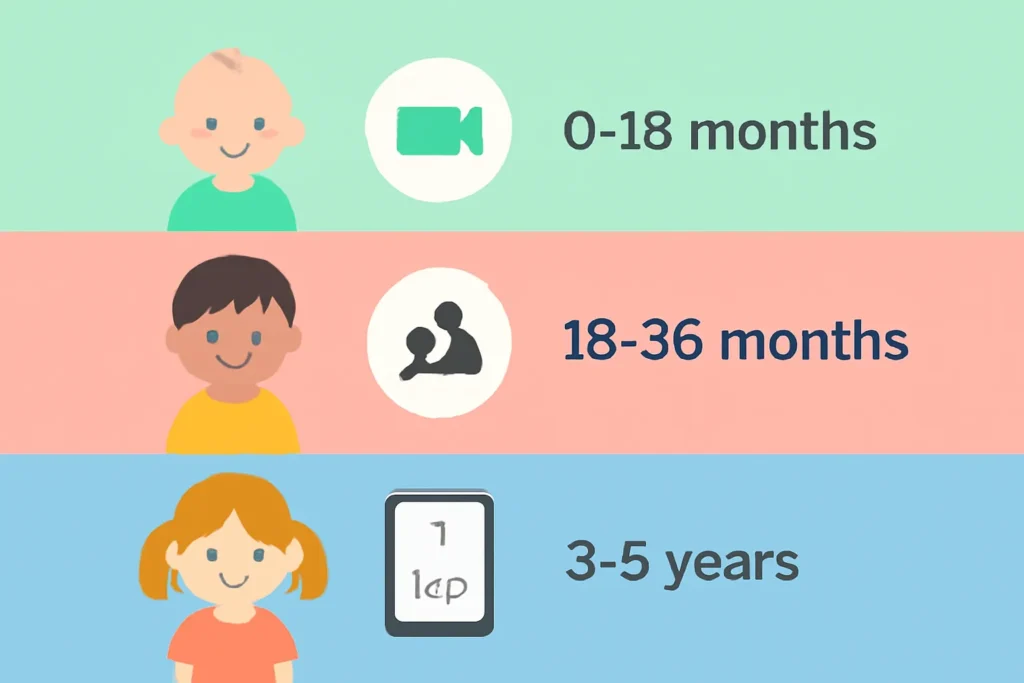
Screen time recommendations for language development vary by age because children develop the ability to learn from screens slowly. What works for a five-year-old does nothing for a baby.
Let’s take a look at a quick table that shows what actually works at each stage.
| Age | Screen Time Limit | What Works Best |
| 0–18 months | Video chat only | Short calls with grandparents or relatives |
| 18–36 months | Up to 30 minutes a day | Co-viewing only, with an adult beside them |
| 3–5 years | Up to 1 hour a day | Rewatching the same show a few times helps ideas settle |
Regular videos or apps don’t support language acquisition for very young babies. They watch the movement on the screen, but they can’t link it to anything real yet. Their brains are still developing the skills needed to learn from a picture or a video.
Toddlers face a similar challenge. Researchers call it transfer deficit, which simply means children under three have trouble taking something they see on a screen and using it in real life. They still need an adult beside them to point things out and make the moment feel real.
The idea is simple. Screens can help, but they work best when they’re paired with your voice, your reactions, and your presence. When you sit beside your child and talk about what they’re watching, you turn a screen into something they can truly learn from.
And yes, we know this is exhausting when you just want 20 minutes to fold laundry. Do what you can. Some co-viewing is better than none.
Using Your Phone Camera For Language Practice
Your phone’s camera can turn small moments into language practice. The photos and short clips you take become prompts for talking and building vocabulary. No special apps needed. Just your camera roll and a few minutes of your day.
Some ways to make it work:
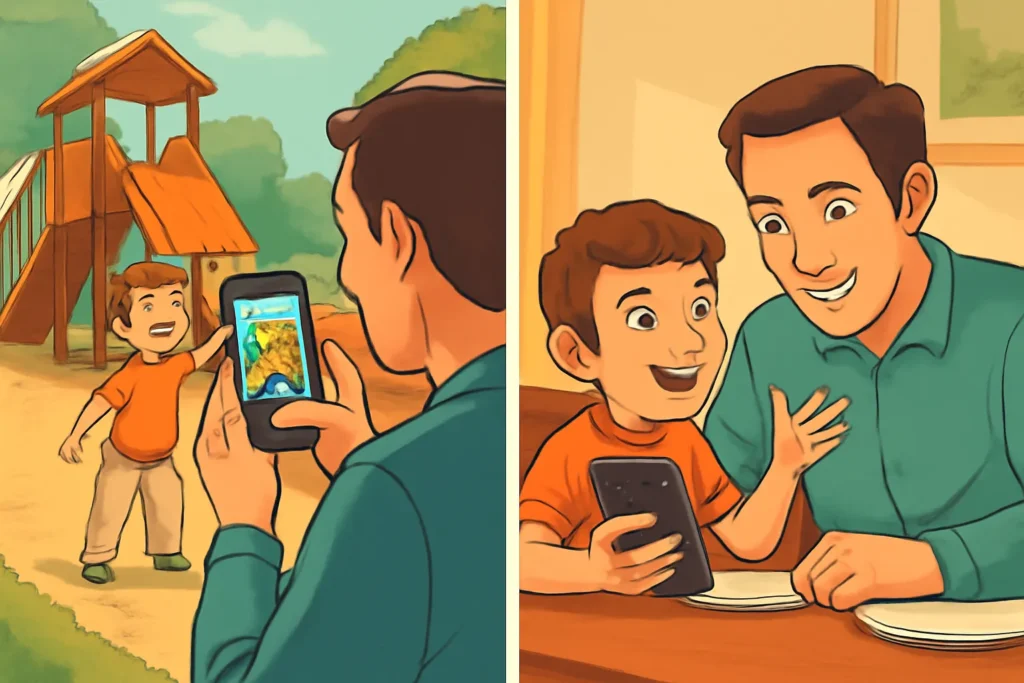
- Take Photos at the Park, Then Review: Them at Dinner: You can say, “Tell Daddy what we saw today,” and let your child build sentences from the pictures. This works because the photos jog their memory and give them something concrete to describe.
- Record Your Child Telling a Short Story: When you play it back, they hear their own voice. Many children try to improve the way they say certain words once they realize how they sound. It’s like giving them a mirror for their speech.
- Voice Memos Turn Into Scavenger Hunts: Ask your child to find something red and tell you about it. The recording adds a layer of excitement that makes them more eager to participate.
- Create Simple Photo Sequences from Daily Routines: Four pictures from your bedtime routine can turn into a short story. “First we brush teeth, then we read aloud, then we turn off the light, then we say goodnight.” Sequencing builds language skills without feeling like schoolwork.
- Record Silly Face Videos and Name Emotions: Watch them together and point out when someone looks happy, surprised, or grumpy. This builds emotional vocabulary and helps your child express feelings in a way that feels playful rather than instructional.
These small activities make talking feel natural and low-pressure. Children often open up when the moment feels fun and familiar.
Helping Your Child Learn Through Screens The Right Way
Technology can support language development when you use it right. Co-viewing, storytelling apps, speech practice tools, and small conversation prompts all give you practical ways to support your child without adding pressure.
Smarty Ears has spent more than a decade creating speech therapy apps designed by speech-language experts who understand how children actually learn. Visit our website to explore programs that fit naturally into daily routines.
Because honestly, you’re already doing the hard work of parenting. We’re just here to make the screen time part a little easier.