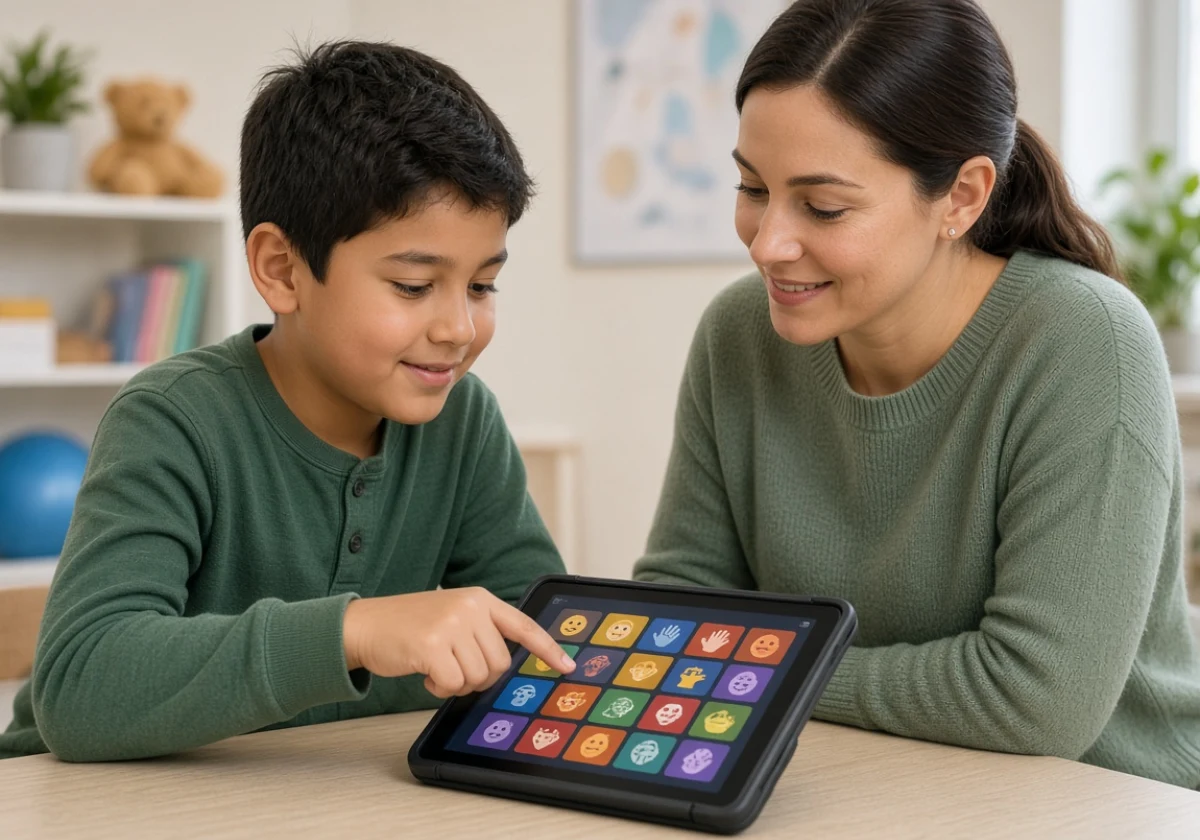
Speech therapists can use digital tools during daily practice to run assessments, target speech sounds, and track client progress. Therapy itself still happens face to face, while the scoring and data collection move onto a tablet.
That change shows up fastest on a full caseload, where you switch clients every 30 minutes and write notes between rooms. Apps from Smarty Ears run on the same iPad you already carry down the hallway.
This guide covers which tools fit a daily schedule and what each category does for your clients. It also shows how to keep screen work tied to practice at home. Read on for the shortlist.
Which Speech Therapy Tools Fit Into a Daily Session Schedule?
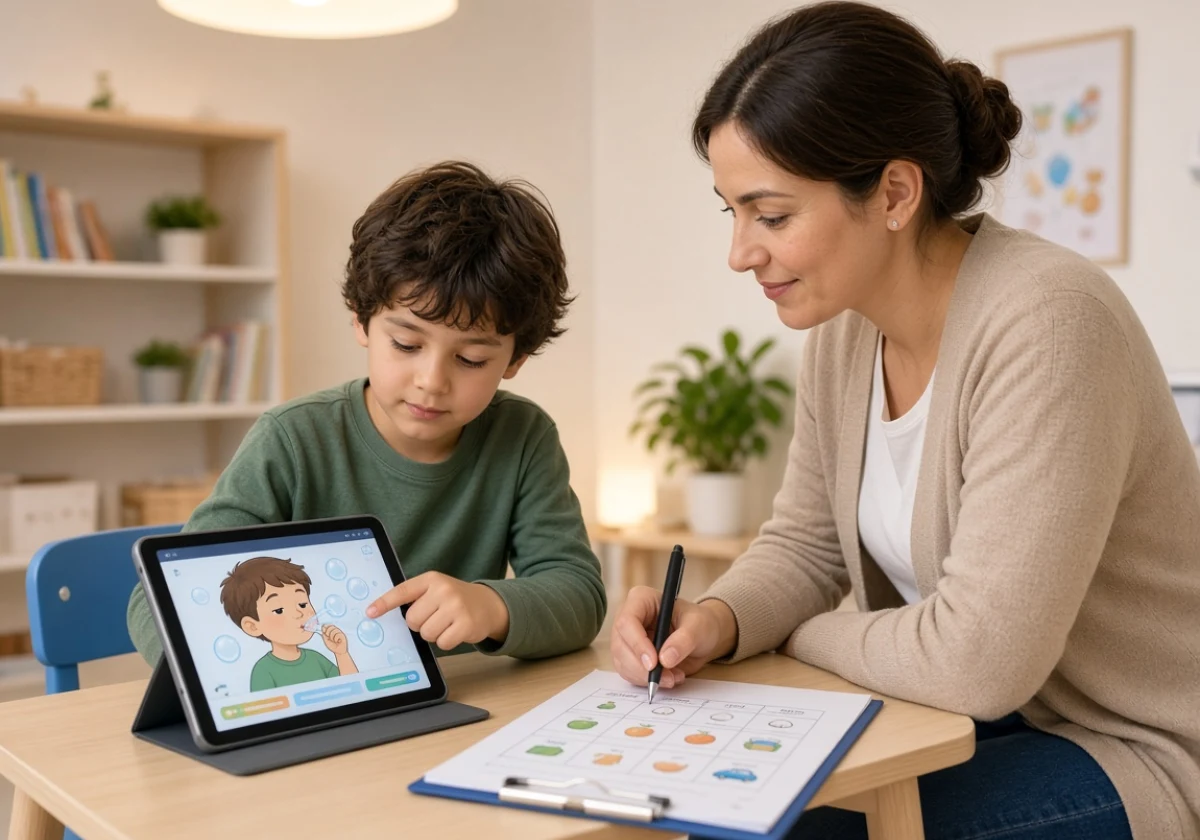
The speech therapy tools that fit a daily schedule are articulation apps, teletherapy platforms, and digital assessment programs. Every one of them replaces something you’d otherwise handle with paper, a printer, or a drive across town. Each of the three below is sorted by the job it does inside a session.
Articulation Apps That Track Speech Sound Progress
Articulation tools let clinicians use a stimulus set, mark responses as correct or incorrect, and track scores on one screen. As the child completes each task, the app records the number of trials and calculates the percentage automatically.
But keeping track of every response can be difficult when scoring on paper. Good articulation apps also create session summaries that clinicians can add to their notes. This saves time when documenting progress after a busy day.
The recorded results also show which sounds the child can produce correctly in words and which still cause trouble in sentences. For example, a child may say /r/ correctly in single words but struggle to use it in everyday speech. Comparing both levels helps clinicians see where the child needs more practice.
Teletherapy Platforms for Sessions at Home or School
Teletherapy platforms let clinicians run sessions through a shared screen while clients join from home or a school office. The therapy goals stay the same, but the session takes place over video rather than across a table.
Internet access is becoming less of a barrier for these sessions. Pew Research broadband data shows that most Americans have home broadband and own a smartphone. This means many families already have the basic technology needed for online speech therapy.
So the harder question becomes the room itself. If you’ve ever run a session from a school supply closet, you know the setup decides how the next 30 minutes go. Younger children also need an adult nearby to model the target.
How Speech Therapy Assessment Speeds Up Evaluations
Tablet-based speech therapy assessments calculate scores as the child completes each task, which gives clinicians the results before the session ends. The software also applies norm tables automatically and flags any unfinished subtests, so clinicians can review the results without checking each score by hand.
Beyond the math, these programs cut the copying step that eats an evening. Responses pull straight into a draft report instead of being retyped from a paper protocol. Some now use Artificial Intelligence to sort those responses faster, though the clinical call stays yours.
With less time spent scoring and preparing reports, clinicians can give more attention to treatment planning. This is especially useful in early intervention, where children benefit from timely support. The assessment results help clinicians decide which skills need attention and what to work on in upcoming sessions.
Digital Categories Worth Knowing: Apps, AAC Devices, and Teletherapy Resources
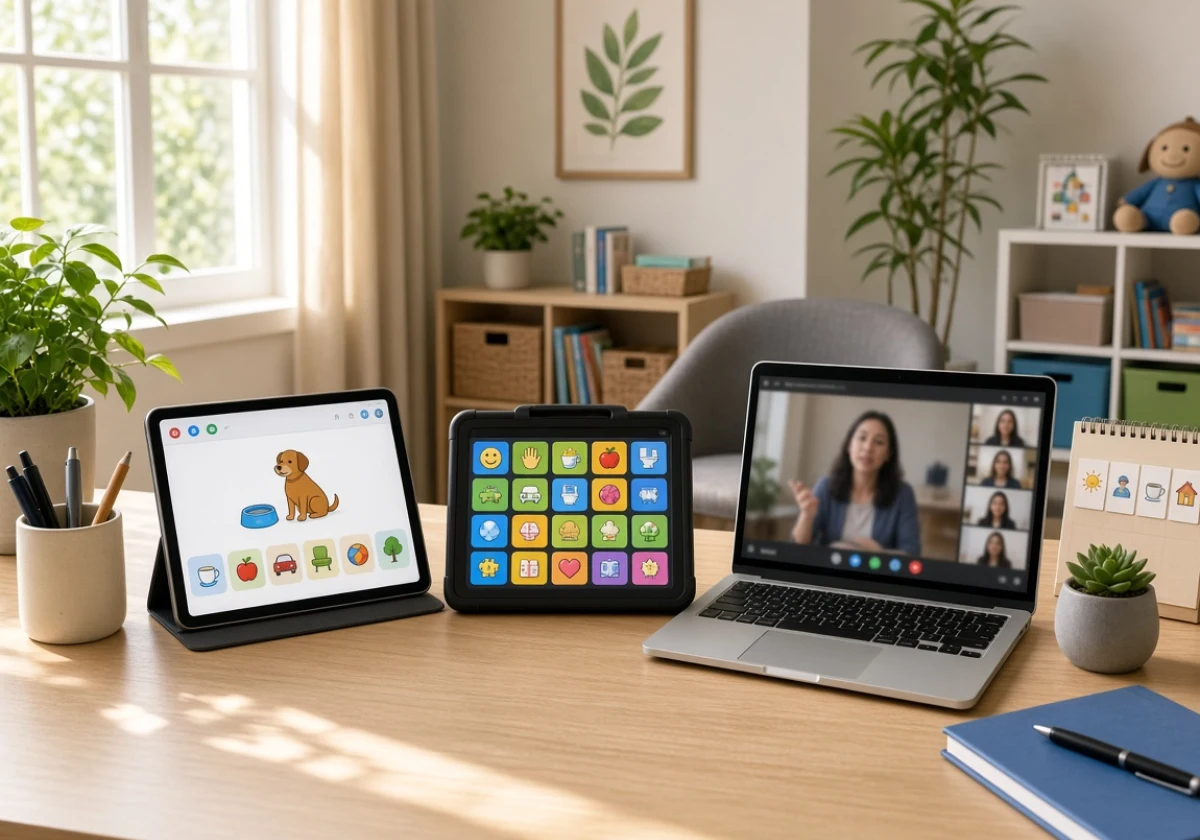
Moving beyond the daily schedule, it’s easy to scratch only the surface of what each digital category can do for a caseload. Apps, Augmentative and Alternative Communication (AAC) devices, and teletherapy resources solve different problems, and treating them as one bucket costs session time.
This quick comparison sorts them by the job each handles best.
| Category | What it does best | Who it suits |
|---|---|---|
| Apps | Drill, articulation, and speech therapy games | Children working on speech clarity |
| AAC devices | Symbol boards and speech-generating devices | Clients with minimal speech |
| Teletherapy resources | Shared screens, visual supports, and carryover | Families who can’t reach the clinic |
Some tools also serve more than one purpose. For example, a language therapy app might offer vocabulary activities while supporting an AAC board. As new tools become available, clinicians should focus on the task they need to address rather than the brand name.
Parents may also ask about specific products they have seen, such as Speech Blubs for app-based practice or Speech Buddies for hands-on activities. Many clinicians use two categories of tools with the same child, depending on their communication needs and therapy goals. However, most children don’t need all three at once.
Building Language and Communication Gains With Therapy Technology
With that foundation set, the best part about pairing technology with language goals is watching communication skills carry over at home. Many families already own a tablet, so the practice tool costs nothing extra and travels with the child. The uses below carry the most weight with school-age clients:
- Interactive Games for Language Development: Children stay engaged longer when language practice feels like play. Story-based activities give them a reason to repeat words, build vocabulary, and use correct grammar.
- Video Modeling for Communication Skills: Short clips demonstrate everyday communication, including greetings, useful phrases, and taking turns. Children can then copy these examples during conversations and social activities.
- Progress Trackers Parents Can Open: With weekly goals and updates in one place, parents can see what their child is practising in therapy. This also helps families continue activities at home and share useful observations with the clinician.
Using one tool consistently over a month gives clinicians better information about progress than trying several tools for only a week. Comparing the results with the child’s starting level also helps show which activities are working.
Digital Speech Therapy Works Best When It Backs Up Real Practice
Once you have your digital tools in place, the next step is balancing screen time with hands-on practice.
Tablets can support speech activities, but they can’t give children physical feedback about tongue placement or mouth movements. Tools such as mirrors, straws, and tactile cues help children understand how to position their mouths and produce sounds. This feedback is especially important for children with apraxia of speech, who need to practise planning and coordinating speech movements.
A good therapy session gives technology a specific role while leaving plenty of time for direct interaction. For example, an iPad app can help children repeat sounds and allow clinicians to track their progress. After the screen activity, clinicians can move on to objects, books, and conversation to practise those same skills in different ways.
Families need to maintain this balance at home, too. The American Academy of Pediatrics recommends screen-free times and places, including mealtimes, homework, and bedtime. These breaks give children more opportunities to talk and interact with family members.
Dinner is another simple opportunity to practise language without a device. Parents can encourage their child to use three target words while passing dishes or talking about the meal. Repeating these words in everyday conversations helps children use what they learn during therapy at home.
Each child also responds differently to technology. Some see tablets as a reward, while others rely on them to avoid face-to-face interaction. Speech-language pathologists can adjust their approach to suit each child. They can use devices for repetition and progress tracking while keeping hands-on activities and personal interaction central to speech therapy.

Put Your Digital Toolkit to Work This Week
Digital tools earn their place when they cut the admin and leave more of the session for talking. Scoring, drill, and practice at home all run smoother on hardware you already carry.
Pick one tool this week and run it across your caseload before adding a second. You’ll know soon enough whether it saves time or only adds another login.
Smarty Ears builds digital speech therapy apps and speech-language pathologist resources for clinicians building a kit. Contact the Smarty Ears team to find the app that matches your caseload and start your next session with better data.