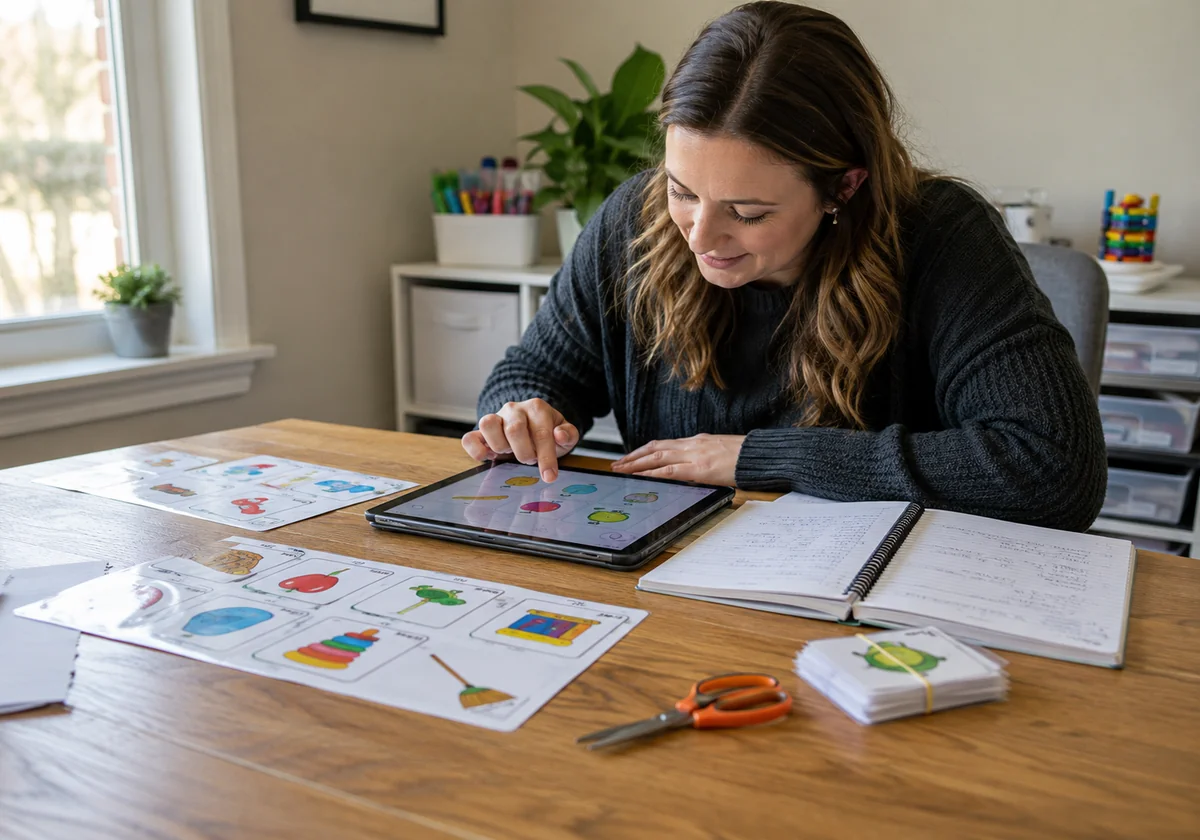
You’ve probably spent Sunday nights cutting laminated cards while wondering if there’s a better way to prep for Monday’s speech therapy sessions. The answer is yes, but not every app labeled “speech” helps your students make progress.
After years of working with SLPs across different settings, we know which digital tools support clinical goals and which ones waste your time. The right apps can cut prep work, track data automatically, and keep children engaged through entire sessions.
In this article, we’ll share practical ways to choose speech therapy apps that actually work, so you don’t waste money on tools that sit unused on your tablet.
You’ll learn about:
- What separates therapy apps from basic learning games
- Free platforms that work immediately
- Features that save you hours each week
- How to choose your first app without the overwhelm
Let’s find tools that make your job easier.
Speech Therapy Apps: What Makes Them Useful?
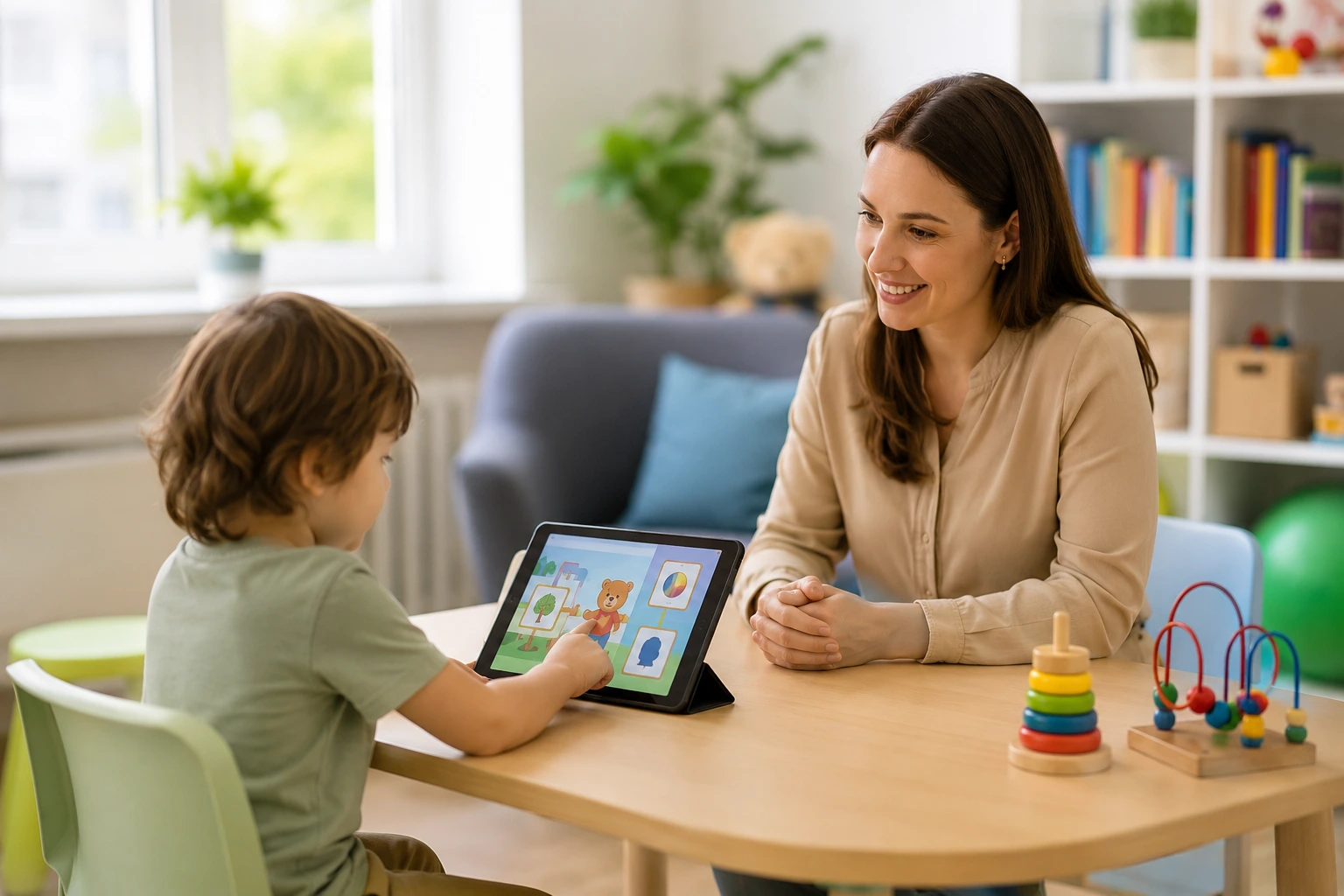
Speech therapy apps give children a digital space to practice speech sounds, language skills, and communication through interactive games and activities on tablets or phones.
So what makes these tools genuinely worth downloading? Apps use games, videos, and interactive screens to make therapy feel like playtime that kids look forward to daily. When a child taps, swings, or records their voice, they’re practicing without realizing they’re working. The engagement keeps them focused longer than traditional drill work ever could.
The best tools let you track progress automatically, so you spend less time on paperwork and more with students. Plus, instead of writing notes after each trial, the app records accuracy rates while you stay focused on teaching.
Pro Tip: Look for apps that SLPs designed with clinical goals in mind since they target specific articulation patterns, phonological processes, and language structures your students need.
Apps Designed by SLPs vs. General Learning Tools
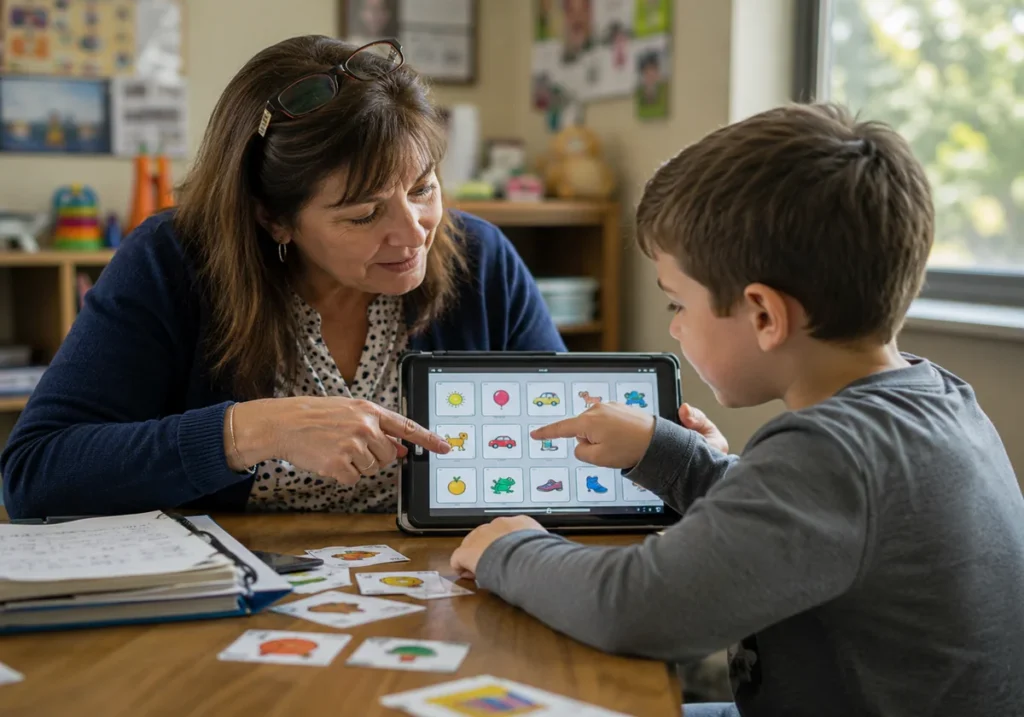
You’ll find hundreds of “speech apps” in app stores, but most are basic learning games that can’t replace real therapeutic intervention. And downloading the wrong app wastes both money and therapy time.
That’s why we recommend checking who created the app before you buy, since apps designed by speech language professionals target the clinical objectives your students need. General tools only work for teaching basic concepts, so they won’t move the needle on Individualized Education Program (IEP) progress.
Here’s what you’ll notice when comparing these three app types:
- SLP-Designed Apps: These apps include evidence-based materials that follow how children actually develop communication skills. Licensed professionals create these apps with a clear understanding of the difference between teaching a word and targeting a phonological pattern.
- General Learning Apps: Most teach colors, shapes, and basic vocabulary but lack the therapeutic depth needed for true progress. You might see cute animations and fun games, but they won’t address the speech sounds or language therapy goals on your students’ IEPs.
- Clinical Apps: Clinical apps from educators often cost more upfront but include data tracking, customizable targets, and research-backed methods that justify the investment. At the end of the day, spending $30 on an app that supports six different articulation objectives beats buying $5 apps that only offer generic flashcards.
Honestly, the time you save on prep work and the quality of targeted practice make professional apps worth every dollar. So if you want to know which ones target which skills, that’s exactly what we break down next.
Building Language Skills One Screen at a Time
The best part about these tools is that they target multiple skill areas in one place, from first words to complex sentences. And since each child comes with different goals, the right app meets them exactly where they are.
Here’s how that breaks down across three important skill areas:
Early Language and Communication Skills
Early language apps focus on teaching toddlers basic communication like requesting, labeling, and turn-taking before they develop full sentences.
A great starting point is cause-and-effect apps that teach toddlers to request, wait, and follow simple directions before they can speak in full sentences. In practice, a child taps a barn door, hears animal sounds, then says “open” or “go” to make something happen. This builds understanding that words have power.
Plus, interactive games let kids practice core words like “more,” “go,” and “open” through repetitive play that feels effortless. The same words appear in different activities, so children hear and use them dozens of times without getting bored.
Articulation and Speech Sounds Practice
Articulation apps give you instant access to hundreds of practice words organized by sound, eliminating hours of material prep each week.
Flashcard-style apps do this especially well. These platforms offer hundreds of words organized by sound position, which saves you from creating and laminating physical materials. Instead of spending Sunday nights cutting pictures, you open the app and have every /r/ word you need already sorted by initial, medial, and final positions.
On top of that, games with recording features let kids hear their own productions and keep an eye on progress, building awareness between therapy sessions. When students play back their attempts, they catch errors you might’ve missed and start self-correcting naturally.
AAC Apps for Alternative Communication
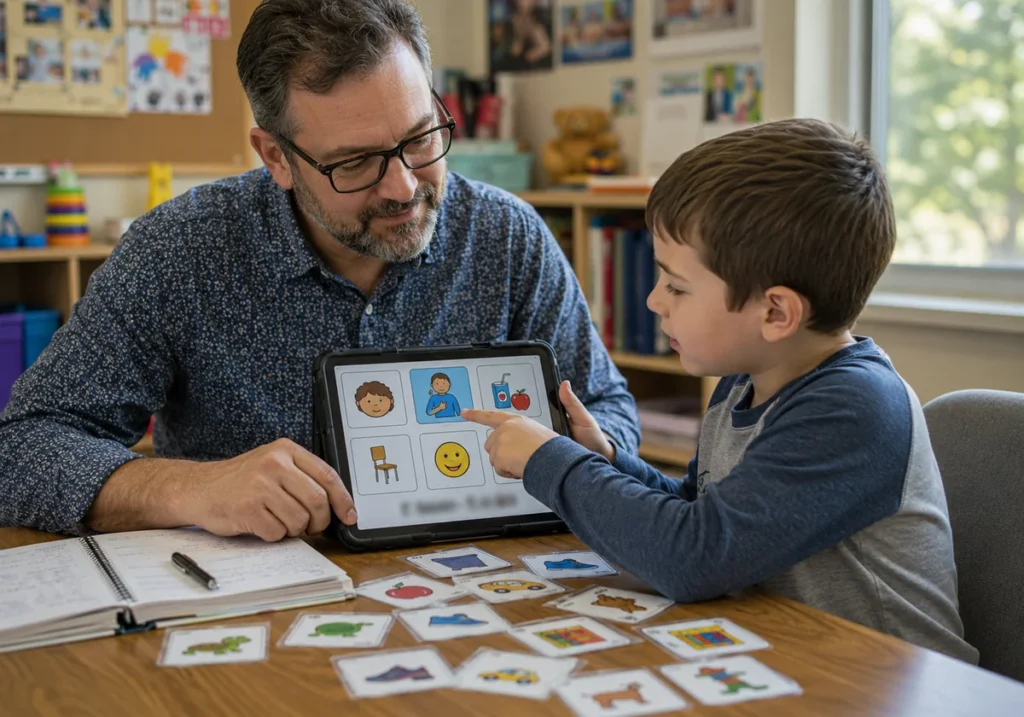
What happens when a child has so much to say but their speech delays make verbal communication nearly impossible? Well, that’s exactly where Augmentative and Alternative Communication (AAC) apps step in and give those kids a real voice.
Take symbol-based communication platforms, which give nonverbal students a voice through pictures, text-to-speech, and customizable vocabulary boards. A child taps “I want” plus “snack,” and the device speaks for them instantly. It’s a simple technology that opens up genuine expression for kids who struggle to form words clearly.
And the support doesn’t stop at school. Many AAC platforms work across devices so families can sync boards between school tablets, home phones, and personal iPads. This means the same communication system follows children everywhere, which builds the consistency that supports faster language learning.
Free Resources That Support Speech and Language Therapy
Both parents and SLPs can find free speech and language therapy resources across many reliable platforms. From printable activity sheets to video tutorials and open-access exercises, finding solid support without spending a dollar is very much possible.
Some of the most reliable free options include:
- YouTube channels run by licensed SLPs, which offer free therapy guides and articulation resources.
- University clinic blogs that break down language development in simple, practical terms.
- Government health sites like ASHA publish free checklists and research-backed strategies.
Many speech therapy apps also include free versions with enough activities to get started before committing to a paid plan.
Smarty Ears supports both parents and SLPs with free, practical resources built around real therapy goals. For instance, our blog covers topics like supporting home practice and games for better engagement, alongside broader guidance on speech and language development.
After finding the right resources, it’s time to look at how digital tools actually save busy SLPs hours every single week.
How Digital Tools Save Time in Speech and Language Therapy
Digital tools save time by eliminating manual prep work, automating data collection, and creating progress reports you’d normally spend hours writing.
The table below shows exactly where digital tools make a measurable difference:
Task | Traditional Method | With Apps | Time Saved |
| Session prep | 20-30 min | 5 min | 15-25 min |
| Material creation | 30+ min | 2 min | 28+ min |
| Data collection | 10 min post-session | Real-time | 10 min |
| Progress reports | 20 min | 5 min | 15 min |
Manually logging every trial on a clipboard during sessions tends to pull your attention away from the child. However, apps with built-in data collection handle that automatically, so you stay focused on the student in front of you rather than your notepad.
Features That Make Speech Therapy Apps Worth It
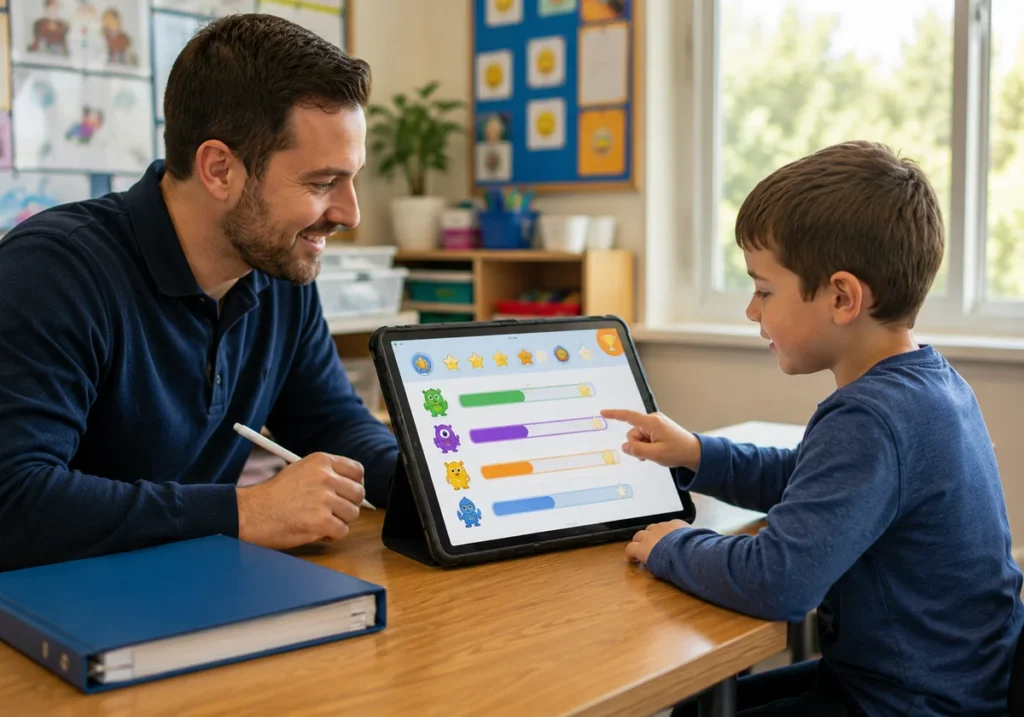
If you’re comparing two apps with very different price tags, the decision rarely comes down to cost alone. In reality, it comes down to two things: how well it tracks progress and how genuinely it keeps kids engaged.
Let’s break down both factors:
Data Tracking Without the Paperwork
Many SLPs download apps based on visuals or price, completely overlooking whether the app records clinical data. Without that data, measuring real improvement becomes guesswork.
Apps that track timestamps, accuracy percentages, and error patterns give you everything needed for IEP meetings. Plus, visual graphs show progress across weeks, which makes parent conferences noticeably easier to prepare for (no more digging through folders five minutes before a meeting).
Some platforms even let students view their own data. For older kids, especially, seeing personal improvements builds motivation and encourages them to take ownership of their speech goals.
Interactive Elements That Keep Kids Engaged
We’ve found through hands-on work that engagement drops sharply when activities feel repetitive without any payoff. Reward systems with digital stickers and sound effects solve this by giving kids immediate feedback after each attempt (and yes, even teenagers respond to a good sound effect).
Video modeling takes engagement further by showing real children producing target sounds. Seeing peers succeed naturally encourages imitation, which is one of the most powerful tools in speech-language therapy.
From there, gamified activities round this out by disguising repetition as play. Simply put, a child practicing 50 trials stops feeling like work when points, levels, and animations are involved.
Start Small: Finding Your First App Today
Now that you know what makes apps effective, the next step is actually choosing one without getting overwhelmed by the sheer number of options out there.
So, begin with one free app that targets your most common goal, whether that’s articulation or basic vocabulary building. Testing one tool properly beats downloading five and using none of them consistently.
Next, run it with three students across different ages and skill levels first. This tells you quickly whether the interface works for your broader caseload or just one specific child.
You should also join SLP communities on Facebook or online forums where professionals share honest reviews and real-world tips about app performance. Hearing from someone who uses an app daily is far more useful than reading a product description.
If you want personalized guidance on finding the right speech therapy tools, contact Smarty Ears today. We support SLPs and speech-language professionals with practical resources that our team builds around real therapy targets.